Graphic Designer AI Guide

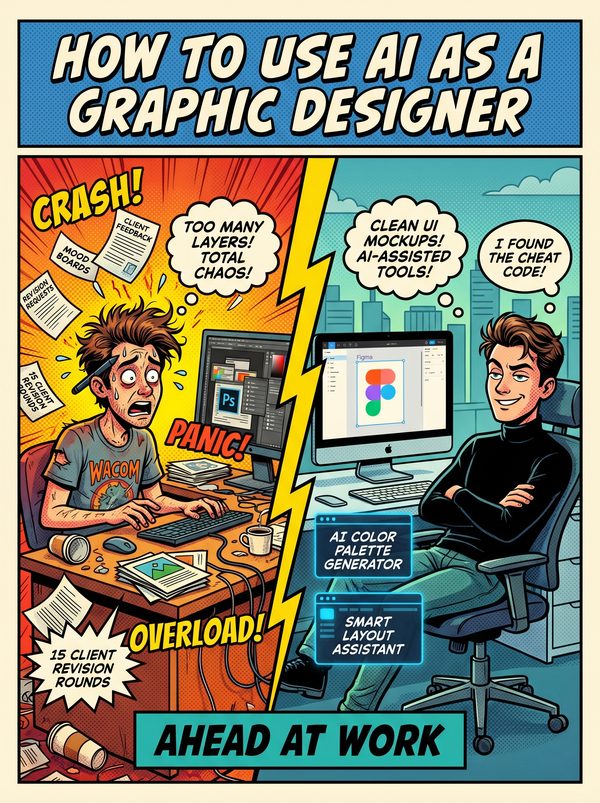
How to Use AI as a Graphic Designer

Midjourney is not your replacement. It's your intern, if you know how to direct it.

7 chapters, 50+ pages Tools, prompts, and a 30-day plan
$29USD, one-time
Get the Guide Instant PDF download

What you get

17 prompts for mood boards, client feedback translation, style guides, and production assets
15 tools reviewed honestly, including which image generators produce client-ready work
Covers copyright risks and ethics so you can make informed decisions for client projects
01 Why AI Matters for Graphic Designers
02 Your Daily Tasks — What AI Can Handle
03 Tools You Should Know
04 Prompts That Work
05 The Dos and Don'ts
06 Your 30-Day AI Action Plan
07 What's Next

Built for graphic designers. Not "everyone."

The tools reviewed are ones graphic designers actually use. The prompts are for tasks you do every day. The action plan fits your workflow, not a generic 9-to-5. This was researched for your role from the ground up.

Sound familiar?

Job displacement fear is the dominant anxiety — 49% of creative professionals believe AI could make manual graphic production obsolete within five years, and graphic design was listed as the 11th fastest declining job in the WEF 2025 Future of Jobs Report (previously a 'moderately growing job')
Clients saying 'just use Midjourney' — the devaluation of design expertise when clients believe AI can replace professional judgement. Non-designers now generate passable visuals in seconds, undermining the perceived value of trained design skills and years of education
Race to the bottom on pricing — AI drove a 17% decrease in graphic design job postings on freelance platforms after ChatGPT's launch. Freelance design rates are being undercut by $10 logo mills and AI-generated commodity work, compressing the middle of the market
Creative identity crisis — 'If AI can do what I do, what makes me special?' Corporate AI products are inflicting an assault on visual arts workers' sense of identity and self-worth, not just their income. Designers built careers on visual skills that AI now partially replicates

Statistics sourced from published industry research.

48%
AI tools paradoxically increase workload — 48% of creative professionals report that new AI tools have added to their obligations rather than reducing them.

What the guide helps you do

These are real tasks from your day. The guide gives you the tools, prompts, and workflows to hand them to AI.

Background removal and image cutouts from product photos and portraits
Generating initial mood board imagery and visual concept exploration
Colour palette generation and colour harmony suggestions based on brand direction
Resizing designs across multiple formats and platforms automatically
Generating first-draft logo concepts and variations from text descriptions
Image upscaling and resolution enhancement for low-quality source files
Get the Guide — $29

49% of creative professionals believe AI could make manual graphic production obsolete within five years. Design job postings on freelance platforms dropped 17% after ChatGPT launched. And 48% of designers say AI tools have actually increased their workload, because clients now expect more variations, faster turnaround, and lower prices.

So no, AI is not making your life easier. Not yet. Not unless you learn to use it on your terms.

This guide was written for working graphic designers, not tech enthusiasts who think "prompt engineering" is a design skill. Inside: 15 AI tools reviewed with real prices and honest opinions, which image generators are worth paying for, which design assistants actually save time, and which ones produce work you'd be embarrassed to show a client.

You'll get 17 prompts built for your actual workflow: mood board development, client revision translation (turning "make it pop" into actionable changes), style guide generation, layout exploration, and production asset creation. Plus prompts for the business side, scope creep pushback, project estimates, and portfolio descriptions.

We don't dodge the ethics question. We cover copyright uncertainty around AI-generated assets and what it means for client deliverables.

The 30-day plan starts with using AI where it's genuinely useful, concept exploration, first-pass layouts, and production grunt work, while keeping your creative judgment at the center.

For designers who want to use AI as a tool in their kit, not hand the whole kit over.

Questions

A 50+ page PDF with 7 chapters: why AI matters for your role, which tasks to automate first, honest tool reviews, 17 ready-to-use prompts, a dos and don'ts chapter so you skip the mistakes, and a 30-day action plan to actually follow through. Instant download, keep it forever.
No. The prompts work with free tools like ChatGPT and Claude. The guide covers paid options too, but you don't need them to start.
Yes. The research, prompts, and tools were chosen specifically for this role. If your day involves the tasks listed above, this was made for you.
We won't promise that. Nobody can. What we can tell you is that people who learn to use AI tools are more productive, more valuable, and harder to replace. The people at risk are the ones who pretend AI isn't happening.

Your job is changing. Get ahead of it.

7 chapters. Honest tool reviews. 17 prompts. A 30-day plan. One PDF.

Get the Guide — $29

Instant download. Keep forever.

Related guides

$29 Get the Guide