UX Designer AI Guide

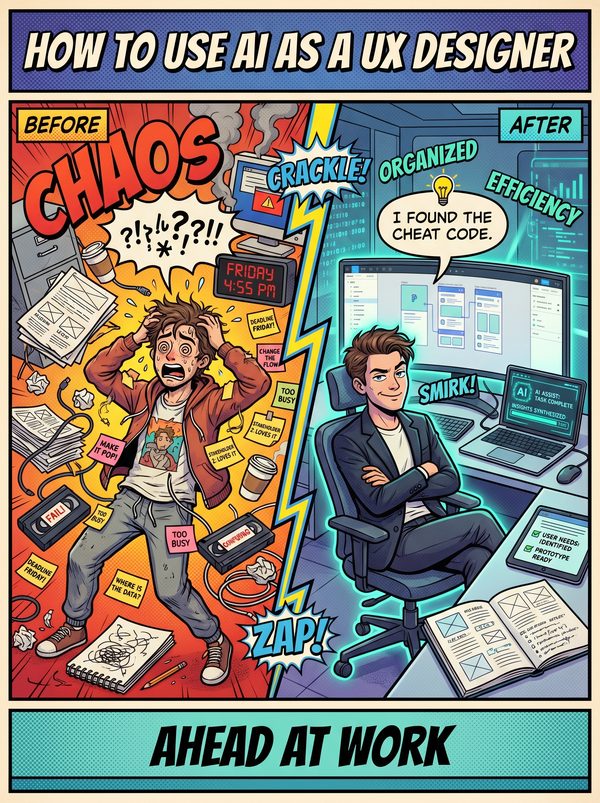
How to Use AI as a UX Designer

Prototype faster, back up every design decision with data, and stop losing arguments to opinions.

7 chapters, 50+ pages Tools, prompts, and a 30-day plan
$39USD, one-time
Get the Guide Instant PDF download

What you get

14 tools reviewed through a designer's lens, Figma AI, Stitch, Framer, and more with honest verdicts
16 prompts for personas, usability scripts, heuristic evaluations, and stakeholder presentations
A framework for using AI to strengthen your design arguments with data, not replace your judgment
01 Why AI Matters for UX Designers
02 Your Daily Tasks — What AI Can Handle
03 Tools You Should Know
04 Prompts That Work
05 The Dos and Don'ts
06 Your 30-Day AI Action Plan
07 What's Next

Built for ux designers. Not "everyone."

The tools reviewed are ones ux designers actually use. The prompts are for tasks you do every day. The action plan fits your workflow, not a generic 9-to-5. This was researched for your role from the ground up.

Sound familiar?

Design by committee — stakeholders override evidence-based design decisions with personal opinions, turning focused solutions into diluted compromises that satisfy no one and solve no user problem well
Stakeholder overrides without user evidence — product managers, executives, and engineers push back on designs based on gut feeling rather than data, forcing designers to either fight battles or silently ship suboptimal experiences
AI generating 'good enough' designs that erode deep thinking — teams mistake AI-generated wireframes for validated solutions, skipping the problem-framing work that separates strategic design from pixel-pushing
Speed vs quality pressure — organisations demand faster delivery while compressing responsibilities across fewer roles, forcing designers to choose between shipping quickly and shipping right

Statistics sourced from published industry research.

71%
Junior designer job market saturation — supply of aspiring UX professionals outpaces open roles at entry level, with less than 5% of tech companies currently hiring entry-level designers and a 71% decrease in designer job openings from 2022 to 2023.

What the guide helps you do

These are real tasks from your day. The guide gives you the tools, prompts, and workflows to hand them to AI.

First-draft wireframe generation from text descriptions and user flow narratives
User persona creation from interview transcripts and survey data
Research synthesis — extracting themes from qualitative interview data
Usability test script writing and discussion guide creation
Design system documentation generation and maintenance
Accessibility audit scanning for WCAG compliance issues
Get the Guide — $39

Design by committee is killing your best work. Stakeholders override your evidence-based decisions with gut feelings, research time gets cut the moment deadlines tighten, and now your role has expanded to cover research, interaction design, visual design, prototyping, and front-end skills that used to be split across three people.

This guide helps you use AI to fight back with speed and evidence. The 14 tools inside are reviewed through a designer's lens, not just what they claim to do, but whether the output is actually usable. You will find honest assessments of Figma AI, Google Stitch, and Uizard alongside the general-purpose tools that handle research synthesis, usability test scripts, and design system documentation.

The 16 prompts cover the work that drains your hours: generating user personas from raw interview data, writing heuristic evaluations, creating wireframe design briefs, building accessibility audit checklists, and producing the stakeholder presentations that get buy-in. Each prompt is structured so the output needs editing, not rewriting.

You will also get a 30-day plan that starts with research and writing tasks (where AI is strongest) and builds toward using AI in your actual design workflow without sacrificing the deep thinking that separates strategic design from pixel-pushing.

For UX designers, product designers, and UI/UX professionals who refuse to let AI make them worse at their jobs.

Questions

A 50+ page PDF with 7 chapters: why AI matters for your role, which tasks to automate first, honest tool reviews, 16 ready-to-use prompts, a dos and don'ts chapter so you skip the mistakes, and a 30-day action plan to actually follow through. Instant download, keep it forever.
No. The prompts work with free tools like ChatGPT and Claude. The guide covers paid options too, but you don't need them to start.
Yes. The research, prompts, and tools were chosen specifically for this role. If your day involves the tasks listed above, this was made for you.
We won't promise that. Nobody can. What we can tell you is that people who learn to use AI tools are more productive, more valuable, and harder to replace. The people at risk are the ones who pretend AI isn't happening.

Your job is changing. Get ahead of it.

7 chapters. Honest tool reviews. 16 prompts. A 30-day plan. One PDF.

Get the Guide — $39

Instant download. Keep forever.

Related guides

$39 Get the Guide